About Linkstreams
What is Linkstreams?
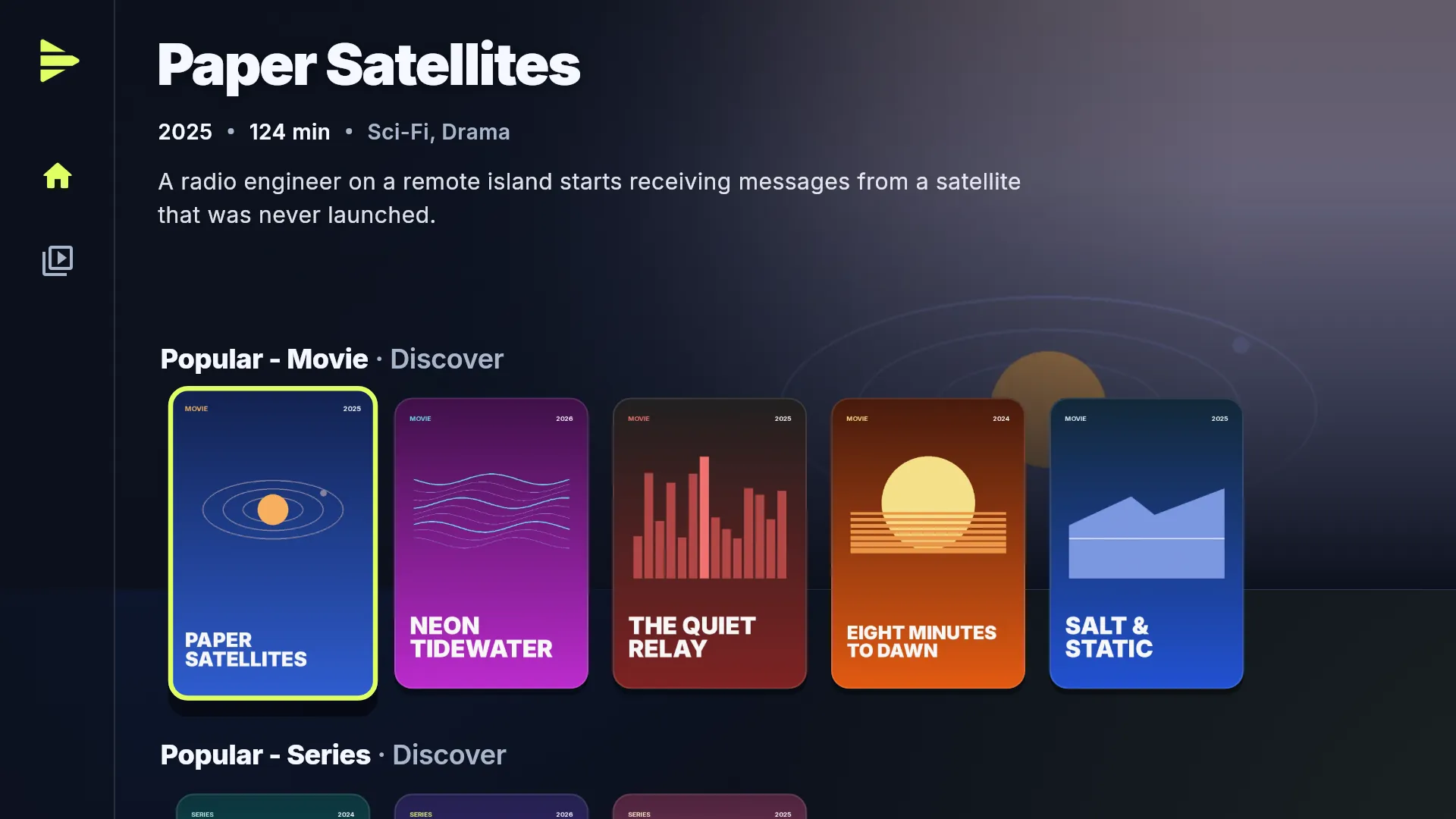
A TV app that plays the streams of Stremio addons. It has no catalog of its own: the addons in your collection supply what you browse and play, and Linkstreams streams it: torrents through its own engine or your debrid service, web streams from the address the addon lists.
How is it different from the Stremio app?
Both use Stremio addons. The official Stremio app needs a Stremio account on Android TV and Fire TV, and you install addons on a phone or PC and sync them to the TV. Linkstreams has no account: your addons arrive as one short code that you type with the remote, and you can hand that code to someone without handing over a login. Linkstreams supports debrid services directly: you connect your own account in the app. In Stremio, debrid is set up inside the addons. As of September 2026.
Are films or series included?
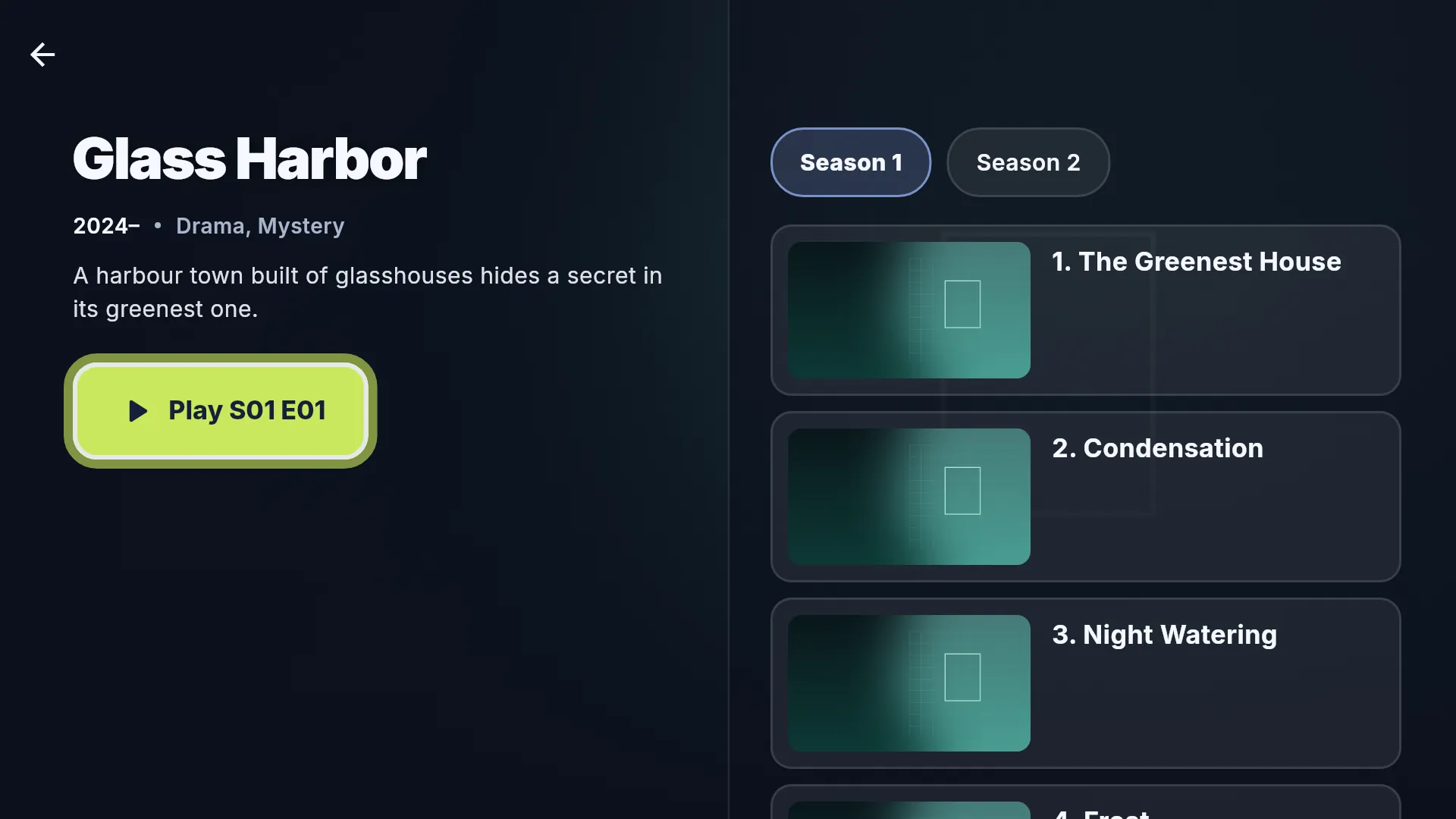
No. Linkstreams is a player and ships empty. The addons you add supply catalogs and streams, and you're responsible for what you add. The titles and artwork on this page are made up.
Do I need an account?
No. There is no Linkstreams account. Your collections, watch history and settings stay on your device. Only a debrid service, if you use one, has an account of its own.
What does a code share?
Only the collection: its title, its description and the addresses of its addons. Not your watch history, your settings or the debrid sign-in you made in the app. Collection Creator warns you if an addon link carries an account key of its own, because that would travel with the code.
Do I need a debrid service?
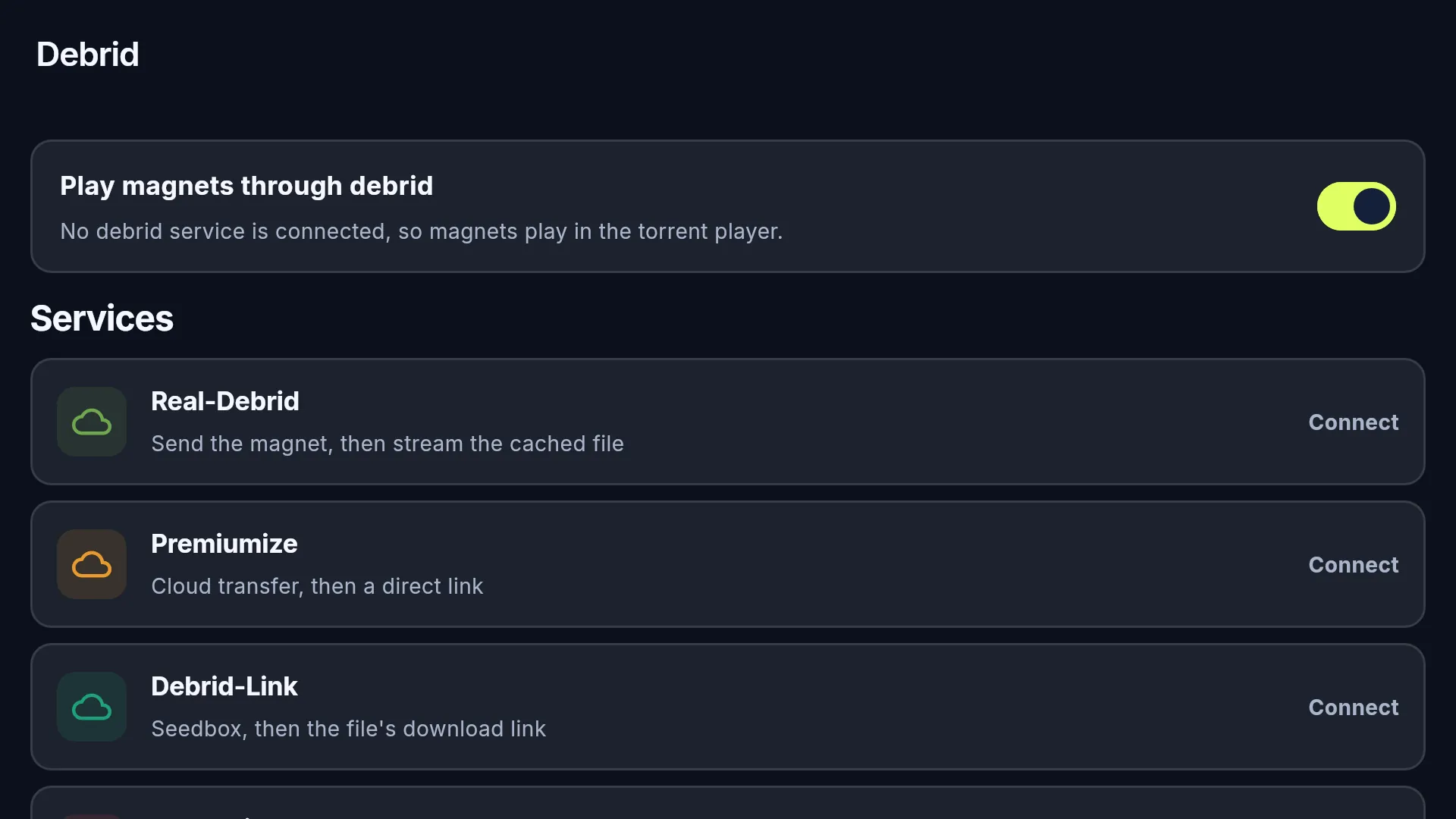
No. Torrent streams play peer to peer out of the box. With Real-Debrid, AllDebrid, Premiumize or Debrid-Link connected, the service fetches the torrent and Linkstreams plays the file it provides.
Which streams does Linkstreams play?
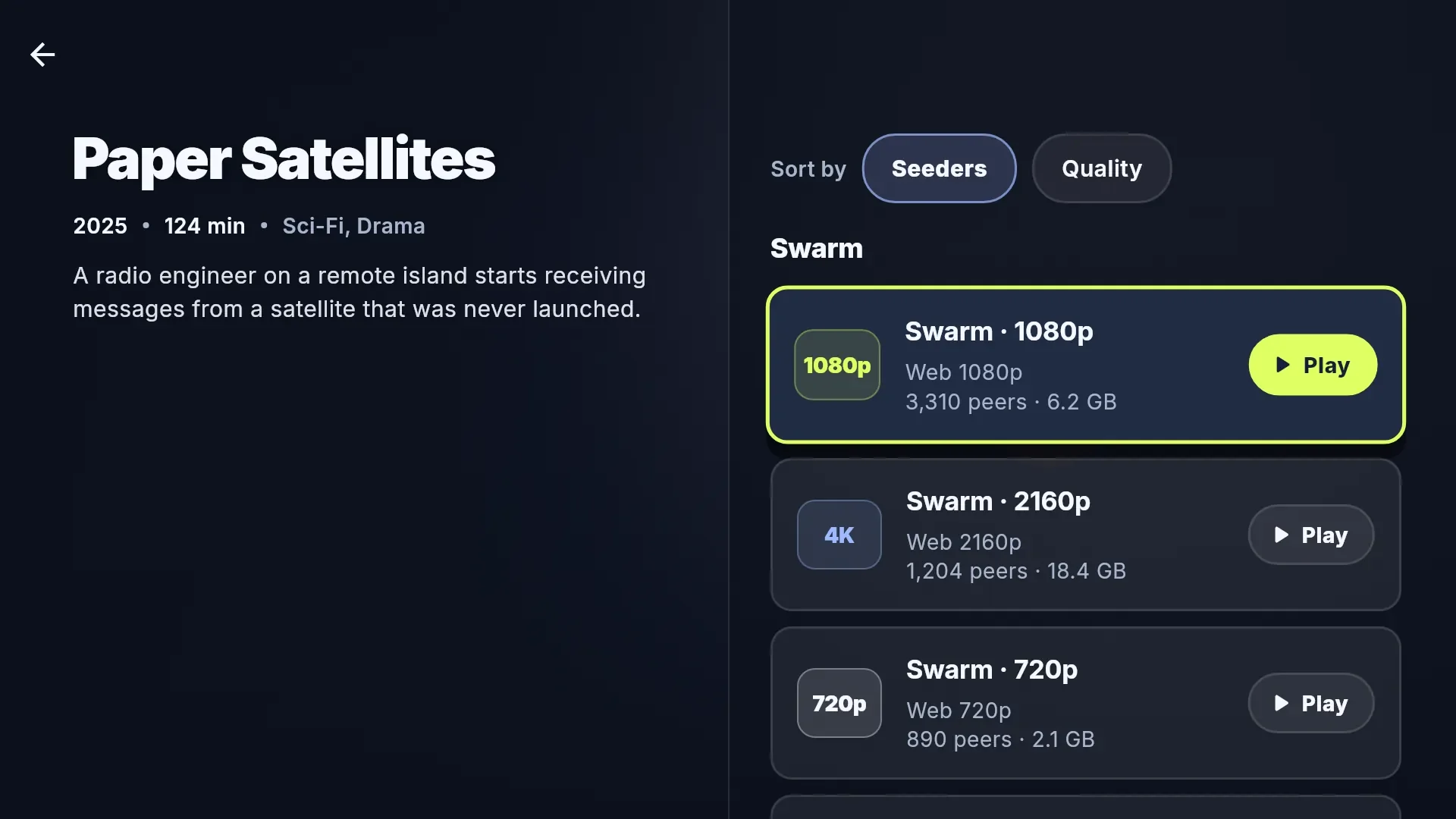
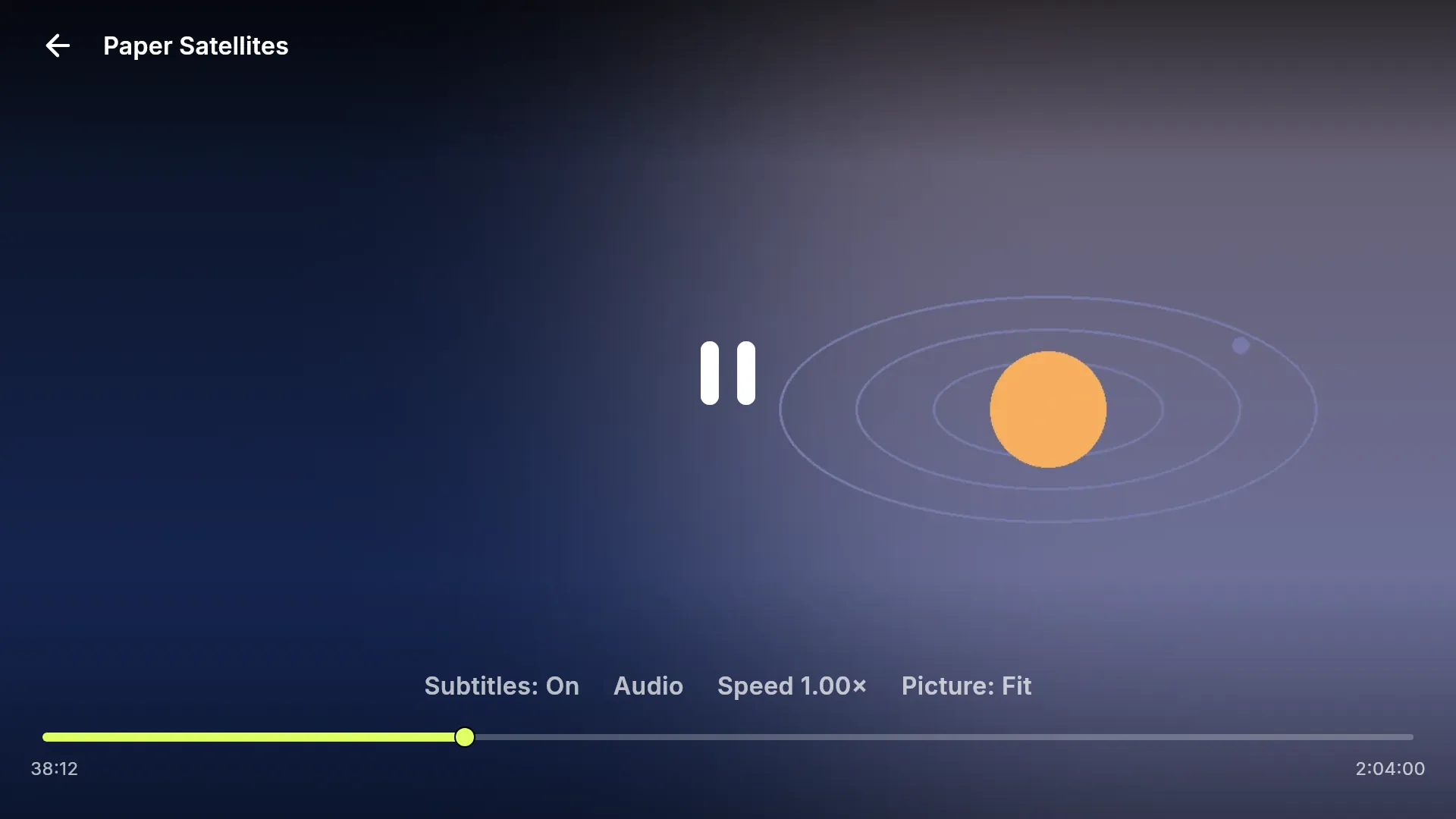
Torrent streams, the ones an addon lists with an info hash: they play in the torrent player, or through the debrid service you connect in the app. Web streams, the ones an addon lists as a web address, such as the links of an addon set up with a debrid key: they play from that address. YouTube videos open in the YouTube app, and links an addon sends to another app, such as a streaming service, open that app. Live TV does not play.
Can other people see what I stream?
Peer to peer, the trackers and peers involved can see your IP address, as with any BitTorrent app, and your device uploads to other peers while it plays. Through a debrid service, the service downloads the torrent and you stream the file from it: with a service connected and Allow fallback to the torrent player off, your device never connects to other peers. The privacy policy has the details.
Is Linkstreams part of Stremio?
No. Linkstreams is an independent app that reads the Stremio addon format. It is not affiliated with Stremio or with any debrid service.
Setup problems
The app doesn't accept my code
Check the capitals first. The paste has to be Unlisted or public, not private, and it must not have expired. Open pastebin.com/raw/YOUR-CODE in a browser: if you see your text there, the app can read it too.
The collection opens, but it's empty
The paste needs the complete export, unchanged. Copy it again from Collection Creator into a fresh paste. If none of your addons has a catalog, add one that has: the titles come from an addon's catalog.
Collection Creator refuses an addon link
It has to be a public https link to the addon's manifest; a local address or a page that is not the manifest is refused. Some addons have to be configured first: use Open configure page and paste the link it gives you.
A title shows no streams
You need an addon that supplies streams for it. What a title's addons list but your device cannot play is counted under the list, such as live TV.
Playback doesn't start, or keeps stopping
Usually the torrent has too few peers. Sort by Seeders and pick a bigger one, or press Try another stream. With debrid, a torrent your service doesn't hold yet has to download there first.
The app won't install
Allow unknown apps for the app you install from: Downloader on a TV, your browser on a phone. If an older Linkstreams signed with a different key is installed, uninstall it first.
Debrid sign-in doesn't finish
Sign-in codes expire. Press Get a new code and try again. Premiumize and Debrid-Link sign in with an API key instead.
I changed the paste, but the TV shows the old version
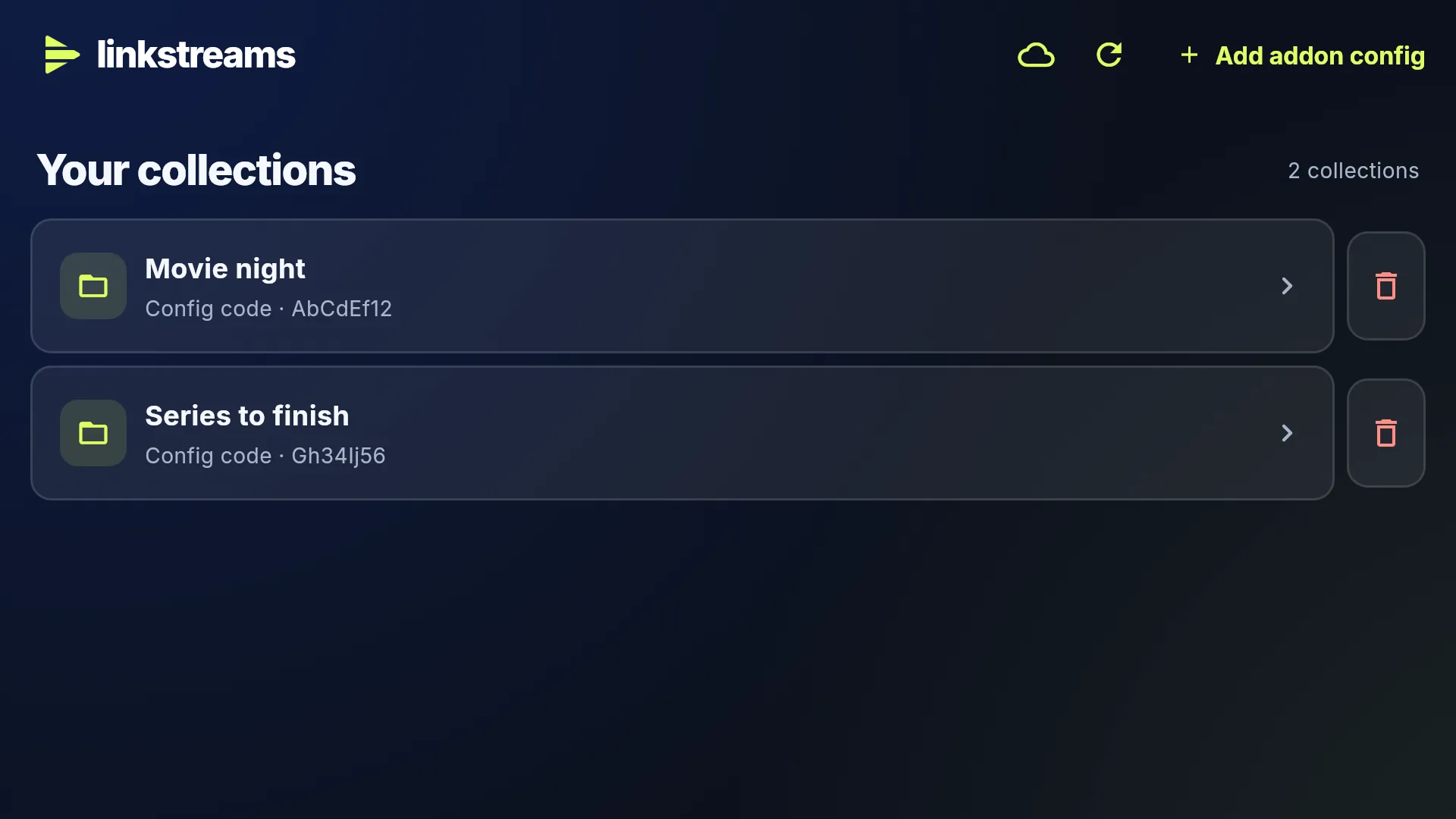
Press Refresh titles on Your collections. Still old? You probably made a new paste instead of editing the first one, and a new paste has a new code.